Barber Life Academy · Workshop

The
Walk-In
Website

Build a website that lets clients walk into your shop before they ever sit down. Film it. Prompt it. Launch it.

Tye The Barber · @tyler.ervin

Scroll

02 / 12

Why bother

Clients check you out before they sit down.

1

Instagram shows cuts. A website shows the whole shop.

2

It books while you cut. Every button goes to your booking link.

3

Google and AI read websites. "Barber near me" needs something to read.

yo this is where I get my cut

03 / 12

What you'll build

Four parts. One scroll.

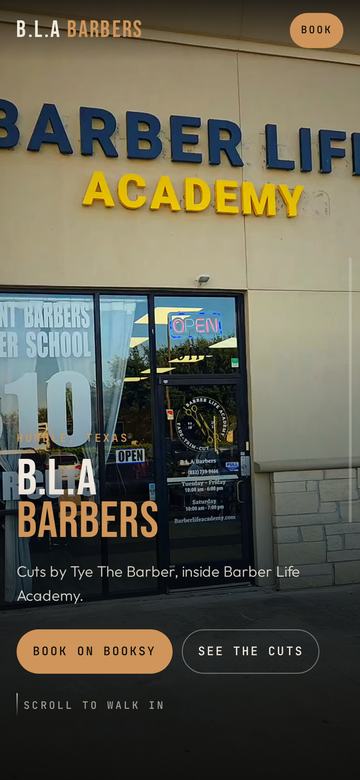
Walk-in opening from the storefront
01 Walk inStorefront to the floor
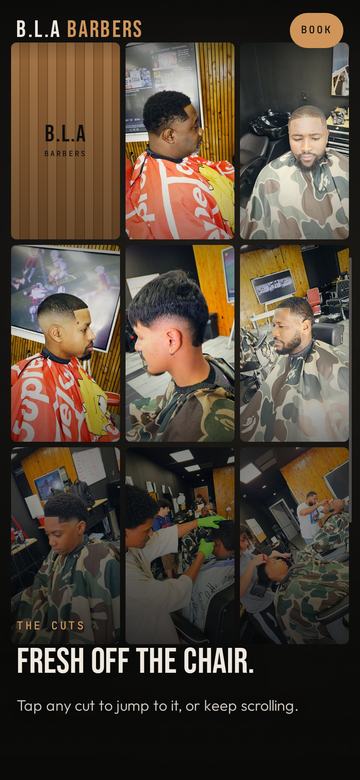
Collage of haircut clips
02 The cutsA collage that zooms into each cut
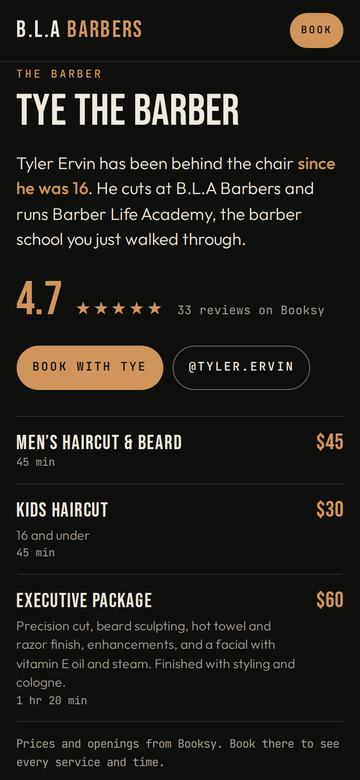
Barber section with rating and prices
03 The barberStory, prices, booking
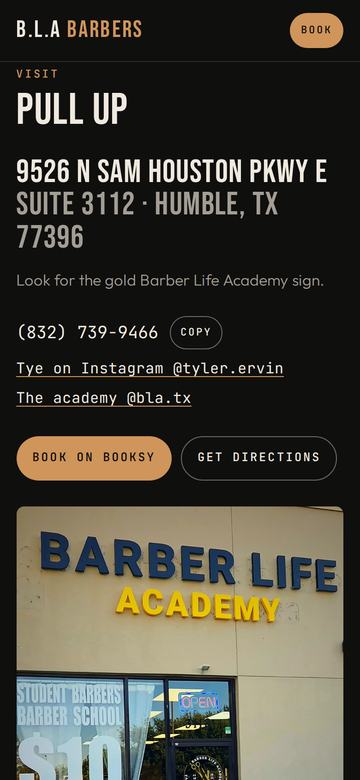
Visit section with address and hours
04 VisitAddress, hours, directions

Your scroll is the play button.

Scroll down and you walk in. Scroll up and you walk back out. Ask the AI for "a scroll-scrubbed video."

04 / 12

Step 1 · Film the walk-in

One slow take. Sidewalk to chair.

  1. Sidewalk wide. Sign and door in frame. Hold 3 seconds.
  2. Walk to the door. Slower than you think.
  3. Open it, step in. Pause on your hours decal.
  4. Inside. Walk the aisle or pan left to right.
  5. End on your best view. Logo, back wall, your chair.
Vertical60 fpsStabilization on15–30 secLights on
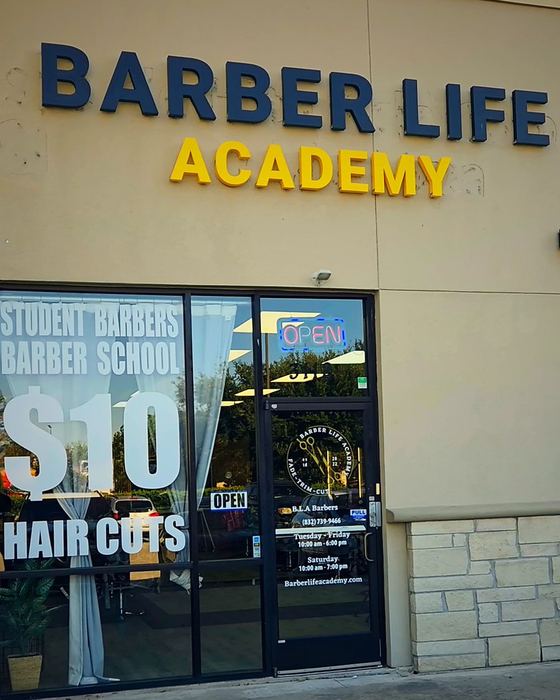
Storefront
A
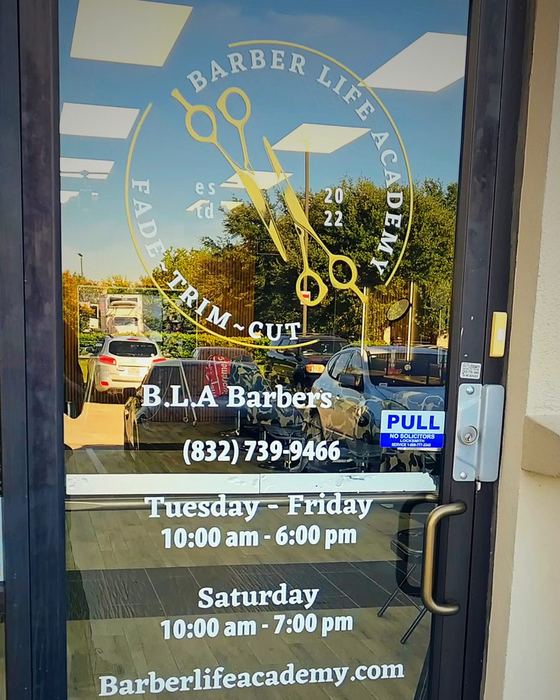
Front door
C
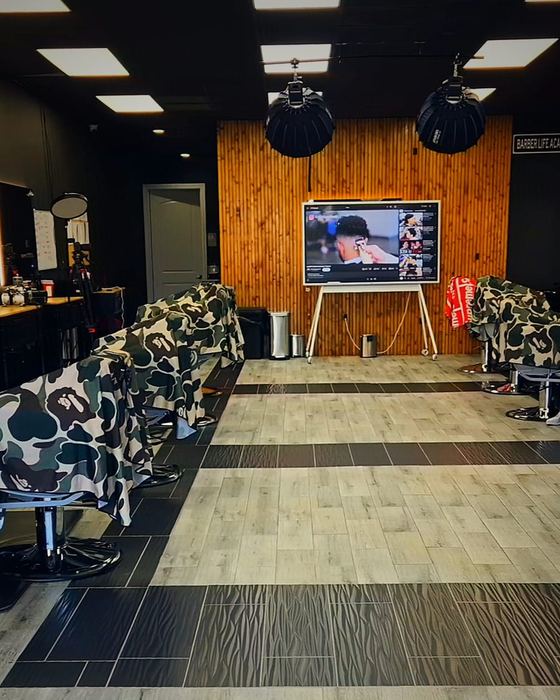
Shop floor
D
05 / 12

Step 1 · Film your cuts

Every clip is a 10‑second story.

Before3 sec · what they walked in with
The work3 sec · clippers, razor, detail
The reveal4 sec · slow turn of the head
  • 4 to 8 of your best cuts
  • Same chair, same light
  • Send the original files
  • Client says OK (parents for kids)
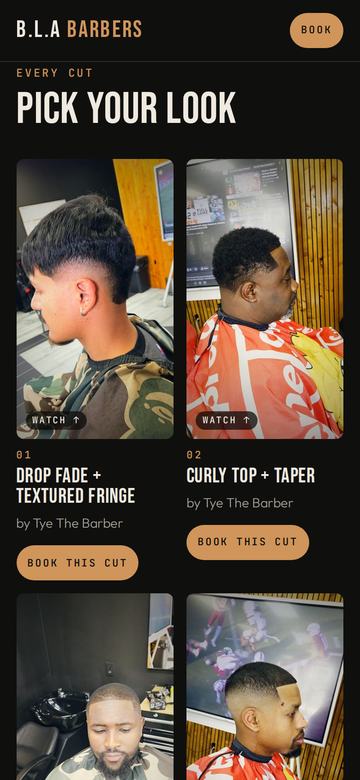
Cut grid on the finished site
06 / 12

Step 2 · Your facts

The AI only knows what you tell it.

Make every listing match. My door, my booking app and my old website had different hours, prices and suite numbers. Fix it once, copy it everywhere.

What's on your sign

And what clients call you

Street, suite, city, zip

Every day, closed days too

The one you answer

Booksy, Square, Vagaro…

@yourhandle

Exactly as your booking app lists them

One line about you. 3–5 reviews word for word. Never make them up.

07 / 12

Step 3 · Build

The master prompt.

Attach your videos, paste your fact sheet, send this. Fill in the [brackets].

If a video won't attach, screen-record it playing full screen or export a 1080p copy.

Prompt 1 · Build the site

I'm a barber. Build me a one-page scroll website for my shop, [shop name] in [city, state].

I'm attaching:
• a walk-in video (sidewalk → door → inside)
• [4–8] short clips of cuts I've done
• my fact sheet

Make the walk-in play as visitors scroll, smooth on phones. Then show my cuts as a collage that zooms into a reel, one cut per section with its name and a "Book this cut" button. Then my story, prices, and how to visit.

Bold look that matches my shop: [colors].

Use only my real information. Mark anything you don't know as a placeholder. Don't invent reviews, prices or hours.
08 / 12

Step 3 · The showpieces

Tell it how it should move.

Prompt 2 · The walk-in

Use my walk-in video as the opening.
• Cut anything that isn't footage (recording bars, play controls).
• Steady it, clean the grain, warm and cinematic, still real.
• Make it a real scroll-scrubbed video, not separate photos.
• Short captions that match the screen: sign, door, inside, hours.

Prompt 3 · The cut reel

Here are [number] clips of my cuts.
• Color-match them so they look like one set.
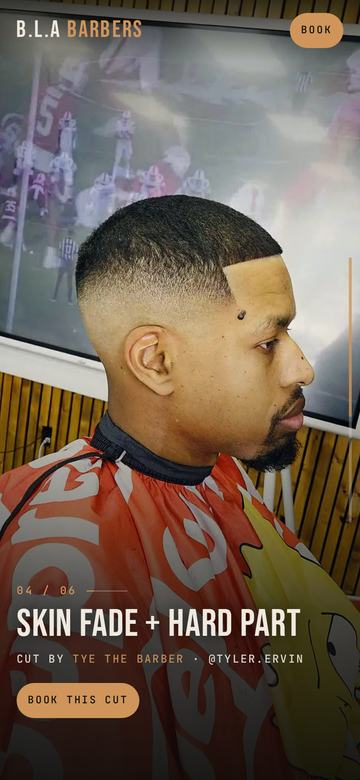
• Open with a looping collage that zooms into each cut as its own chapter.
• Name each cut: [names, or "suggest and I'll correct"].
• Tap any tile to jump to that cut.
• Credit me with my Instagram, plus "Book this cut" → [booking link].
09 / 12

Step 4 · Polish

Say what you see. Not "make it better."

What's wrong+Where+How it should feel

ProblemDon't saySay this Choppy"It's glitchy.""The walk-in stutters when I scroll on my phone. Make it smooth like a real video." Blurry"Fix the quality.""It looks soft on my phone. Use full-resolution frames and sharpen it." Plain"Make it pop.""Cleaner, steadier, warmer. Still real, not cartoon."
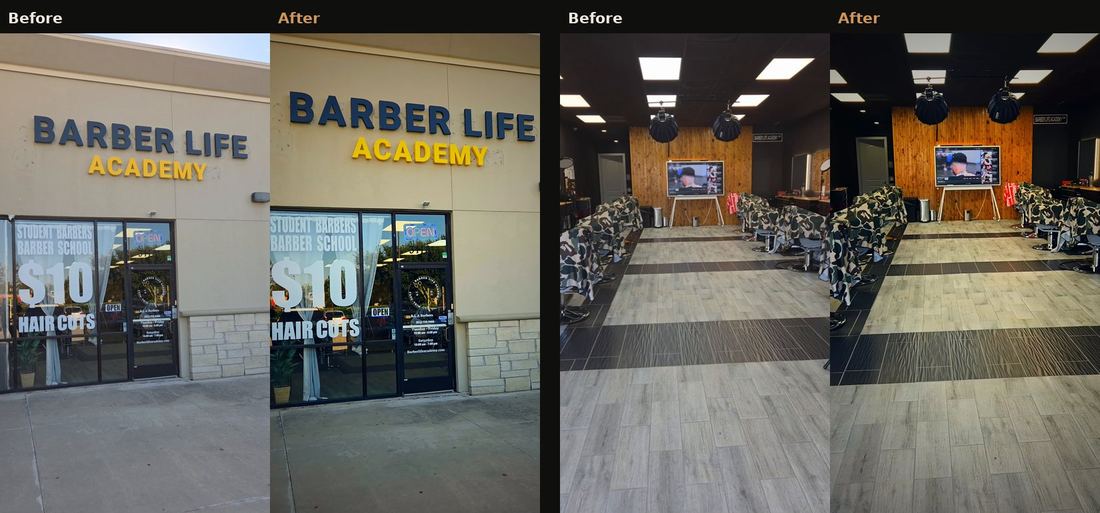
Raw phone footage next to the cleaned-up, warmer version
What "cleaner, still real" did to my footage
10 / 12

Step 5 · Launch

Live in five minutes.

  1. Ask AI to package it as a zip.
  2. Sign in at netlify.com (free).
  3. Go to app.netlify.com/drop and drop the zip.
  4. Change site name → yourname.netlify.app

Upload the zip. Not index.html.

The page needs its videos and images next to it. I uploaded just the HTML the first time and every visual broke.

Prompt 4 · Package it

Package my site for Netlify Drop: one zip, every file at the top level, each file under 10 MB, with a complete HTML head. Then give me upload steps for [my phone / Mac / PC].
11 / 12

Step 6 · Get found

Make Google and AI read you right.

  • Search titleWhat shows up on Google.
  • Share imageThe card people see in texts.
  • Business dataAddress, hours, prices, booking link.
  • Link itIG bio, Booksy, Google Business Profile.

Prompt 5 · Get found

Make my site easy for Google and AI assistants to understand:
• a page title and description with my name, shop and city
• a share-preview image
• BarberShop structured data: address, hours, phone, services, prices, booking link
• a sitemap, robots.txt and an llms.txt summary
Use only my fact sheet. My site address is [yourname.netlify.app].
12 / 12

Questions?

Your chair,
online.

Film it this week. Launch it next week. Send me the link.

This week's checklist

1 / 12